사용자들이 공유한 얼굴 교체 사진
다른 사용자가 공유한 사진을 살펴보세요. 로그인하면 좋아요를 누를 수 있습니다. 직접 얼굴을 바꾼 뒤 결과를 여기에 공유할지 선택할 수도 있습니다.


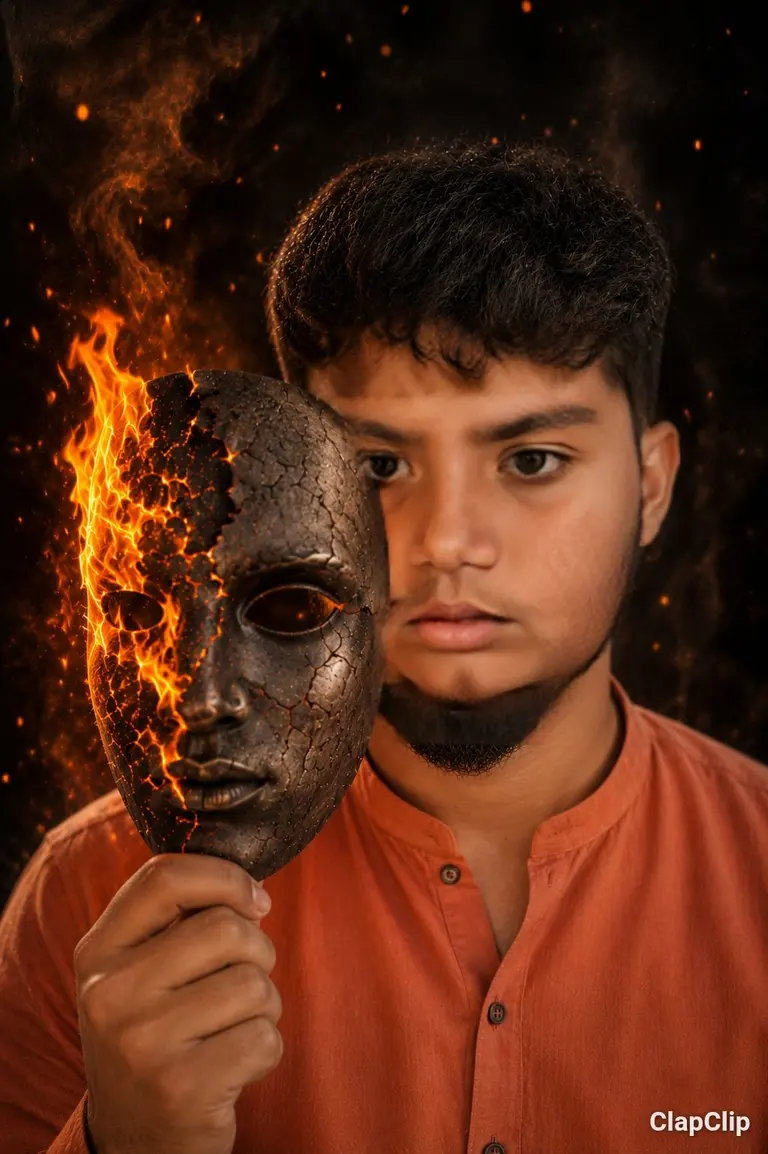
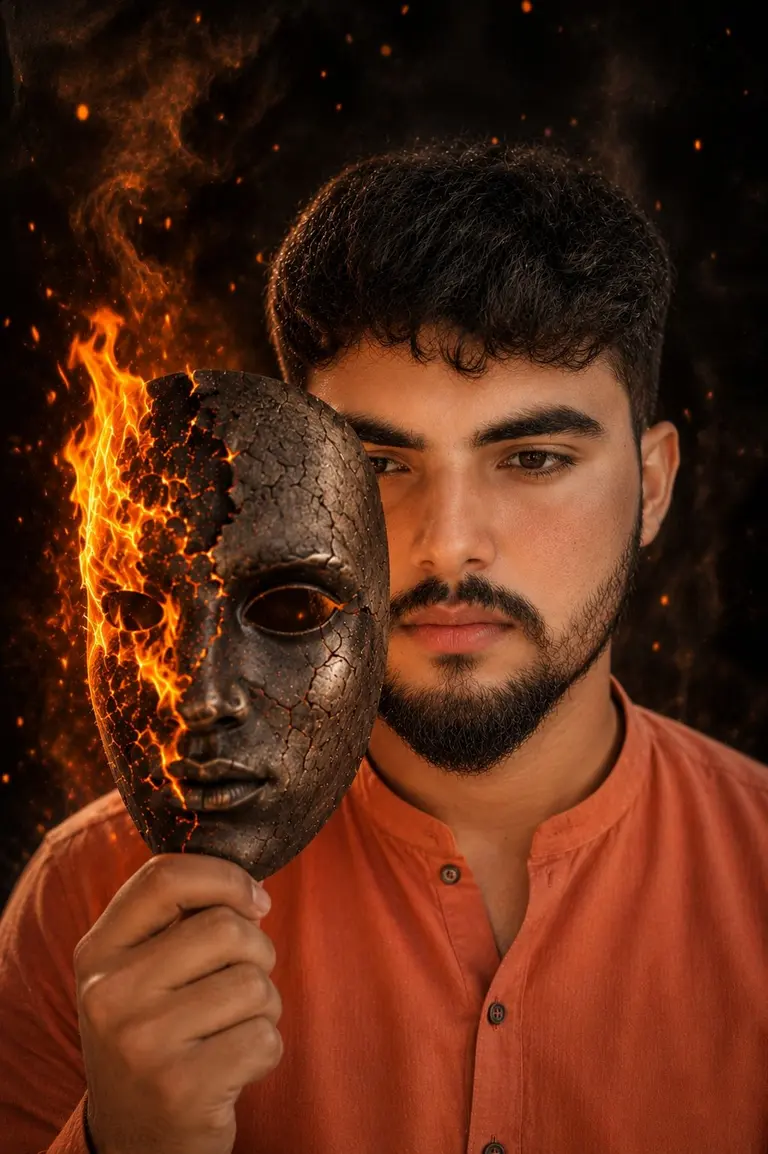
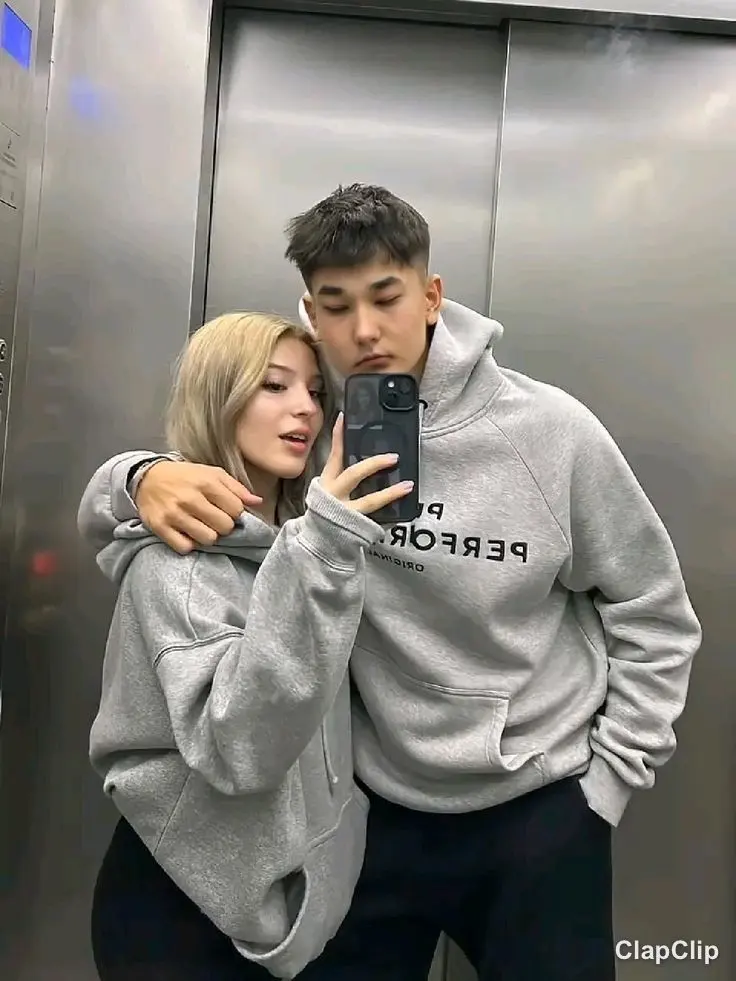

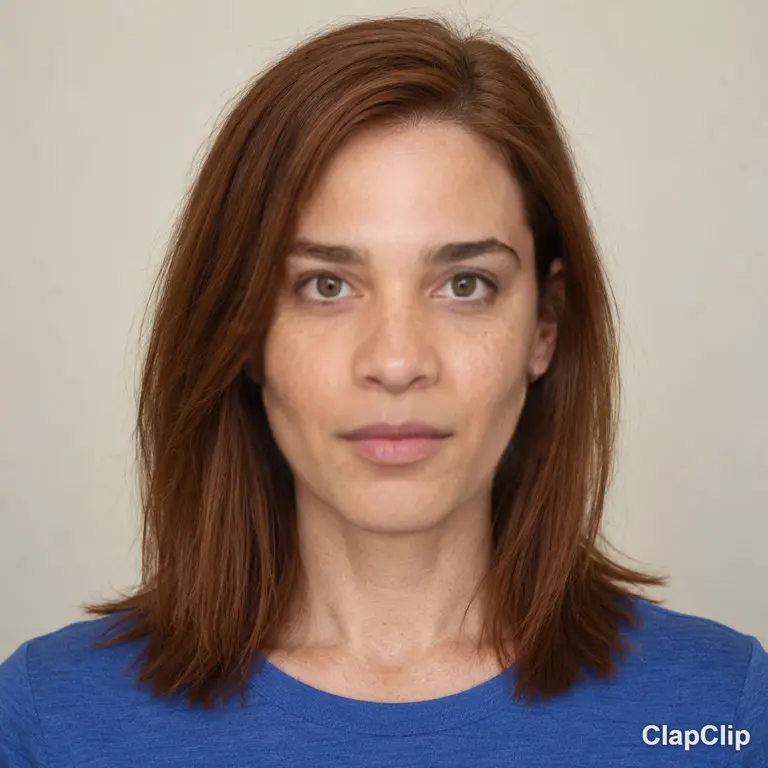
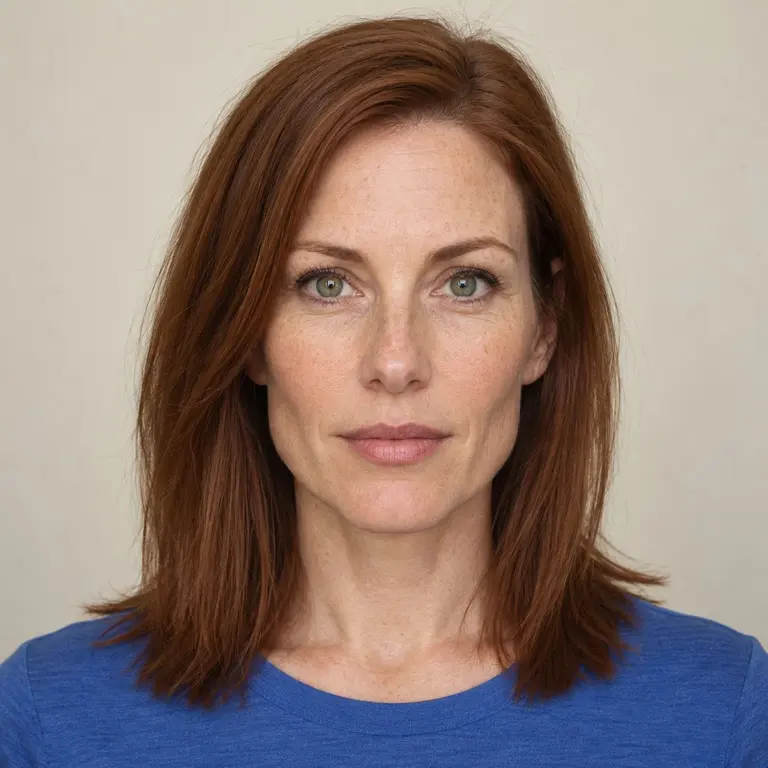


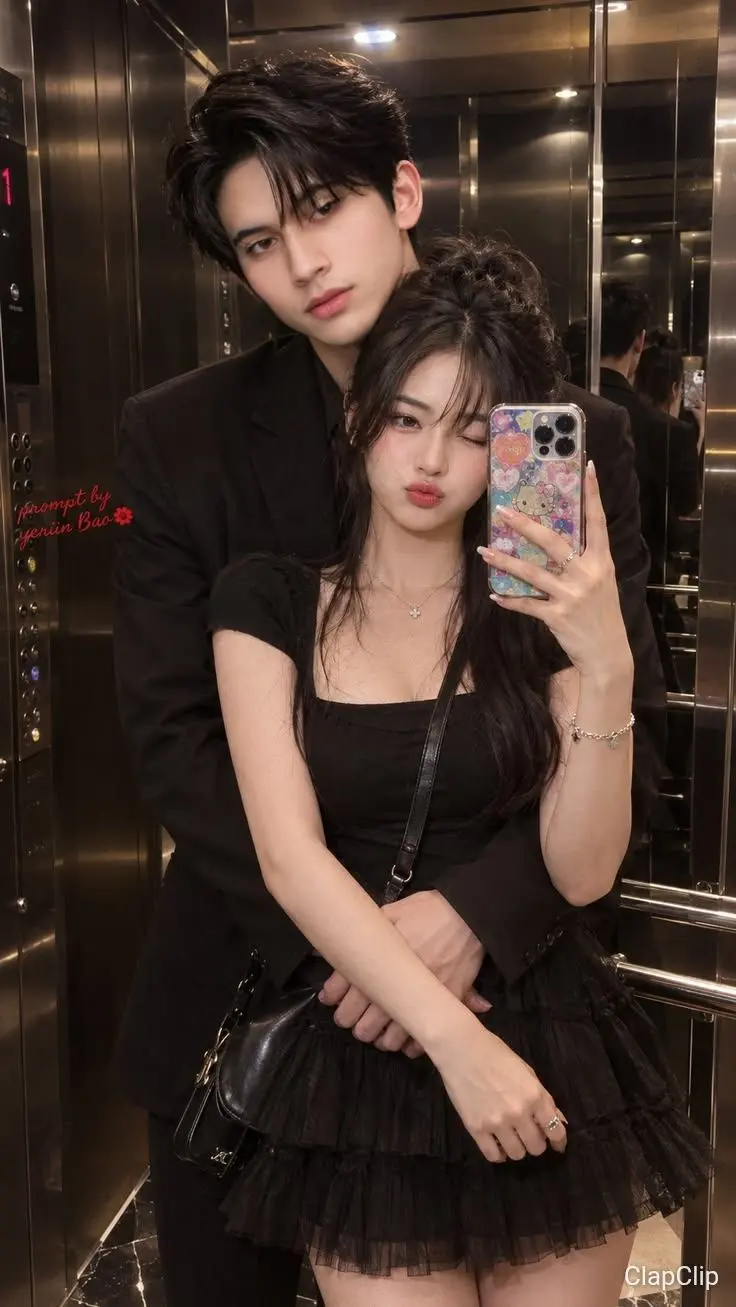
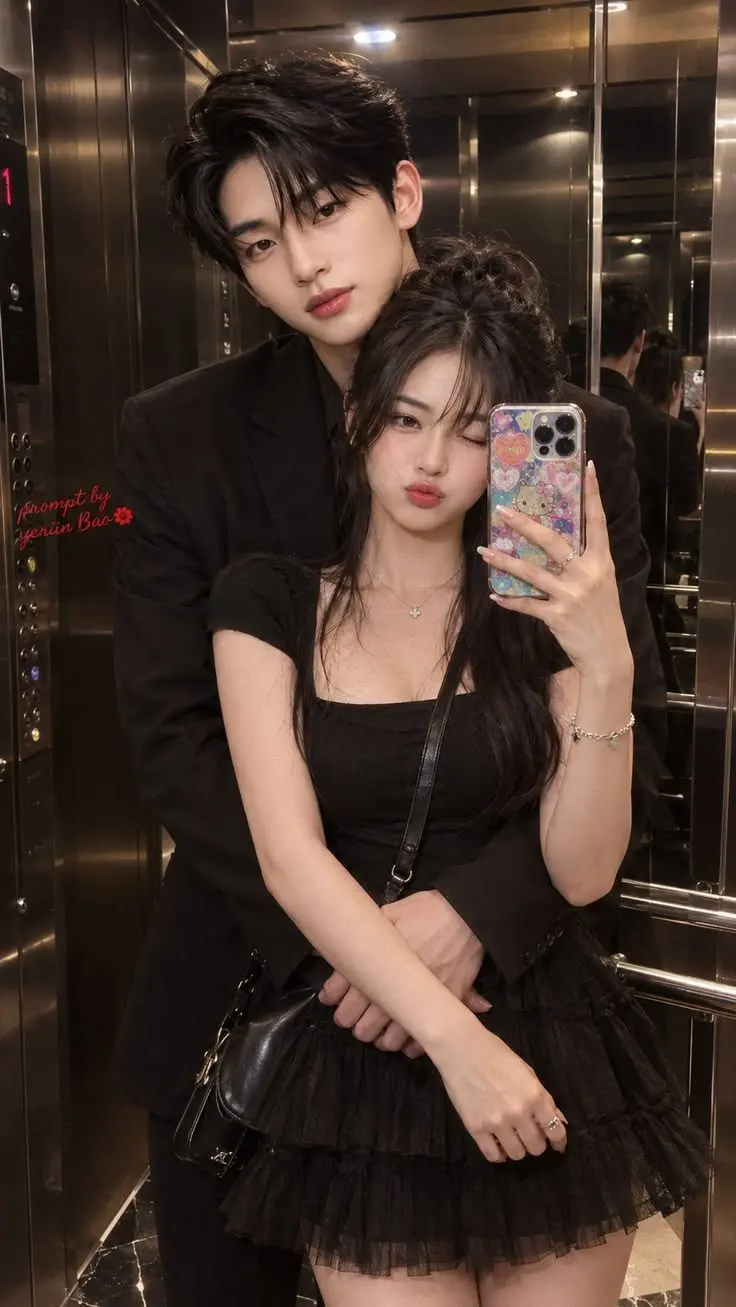
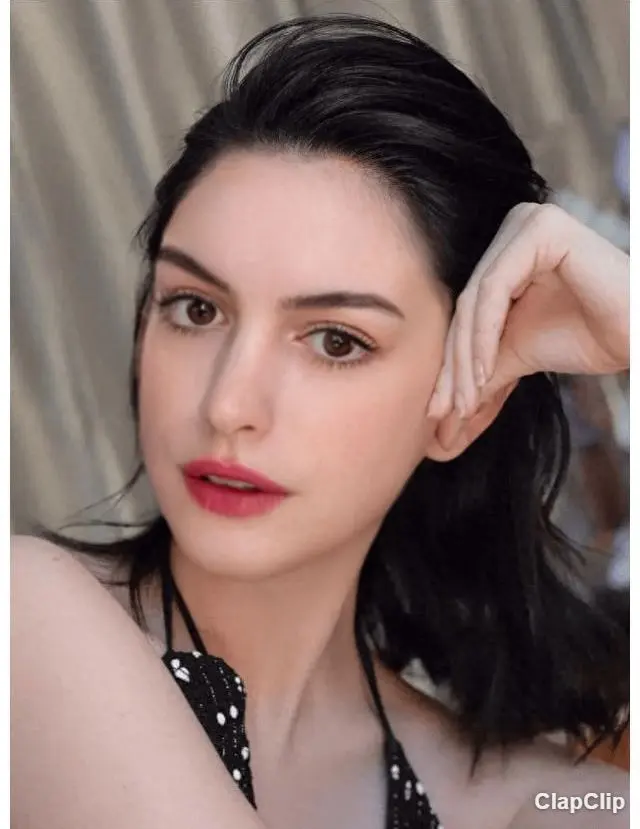

What you are looking at
Every image on this page was made with ClapClip and then published by the person who made it. Publishing is a separate, explicit choice: the uploader agrees to share the result, and separately decides whether the original photo and the source face appear next to it. Nothing on this page is a stock example, and nothing is published automatically.
You do not need an account to browse. Open any image to see it at full size, or use the comparison view where the uploader shared both the original and the result.
Why there is no like button
Sign-in is switched off on this site, and reactions need a verified account, so the controls are not shown. Browsing, downloading a result and making your own swap all work without an account.
How to judge a face swap
- Edges. Look at the jawline, hairline and ears. A hard seam or a visible cut-out outline is the most common failure.
- Eyes and mouth. Teeth, pupils and the line where the lips meet should stay sharp. Smearing usually appears there first.
- Skin tone. The inserted face should pick up the light of the scene. A face that is flatter or warmer than the neck came from a photo taken under different light.
- Angle. Results are most convincing when the source face is close to the pose in the target — a front-facing source in a three-quarter shot is where distortion shows up.
Sharing and removal
Images are shown only while they remain published. If you appear in an image that was shared without your permission, write to support@clapclip.net and it can be taken down.
Windows PC에서 동영상 편집
다운로드는 무료입니다. 내보내기는 앱 내 구매가 필요합니다.